If your website runs on PHP 8.1, it’s now running on software that nobody is fixing any more. That sounds dramatic, but it’s simply how PHP’s support cycle works, and the fix is usually very manageable.
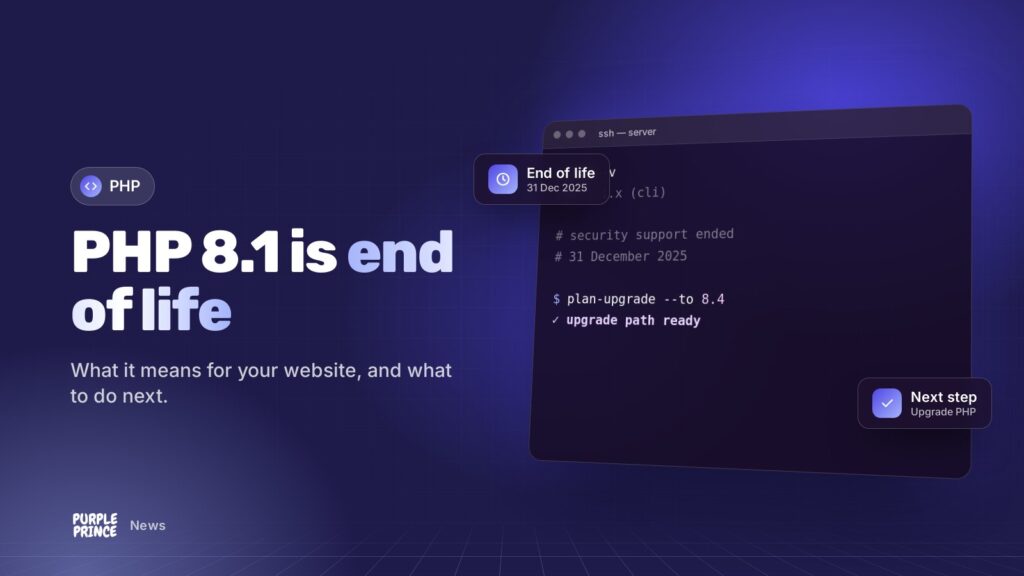
In short: PHP 8.1 end of life was 31 December 2025. Since then the PHP project has stopped releasing security fixes for it, so any new flaw found in 8.1 stays open. Check which PHP version your site uses, then plan a tested upgrade to PHP 8.3, 8.4 or 8.5 with your developer or host.
What is PHP, and why should a business owner care?
PHP is the programming language that powers the server side of a huge share of websites, including WordPress, WooCommerce, Magento and Laravel. When someone visits your site, PHP is the bit that builds the page, talks to your database and processes orders.
You’ll rarely see it, but it’s there on every single page load. If PHP has a security hole, your whole site has one.
What does “PHP 8.1 end of life” actually mean?
Each PHP version gets two years of “active support” (bug fixes and security fixes) followed by two years of security-only support. Once that ends, the version is “end of life” (EOL): the PHP team stops releasing updates for it altogether.
PHP 8.1 came out in November 2021. Its active support finished back in 2023, and its security support ended on 31 December 2025. So from January 2026, the official PHP project no longer patches 8.1 at all.
Does my site stop working?
No. Nothing switches off on 1 January. Your site will carry on exactly as it did on 31 December. The risk is quieter than that: when a new security flaw is discovered, supported versions get a fix and 8.1 doesn’t.
What about Linux distributions?
Some operating system vendors, such as Ubuntu with its 22.04 release, keep backporting security fixes into the PHP 8.1 packages they ship. That’s useful, but it depends entirely on how your server was set up. Plenty of servers don’t get those fixes, and you shouldn’t assume yours does without checking.
End of life doesn’t mean your site breaks. It means the next security hole in PHP 8.1 doesn’t get fixed.
Why is PHP 8.1 end of life a problem for my website?
Three reasons, in order of how much they’ll matter to you:
- Security. Attackers love known, unpatched flaws. Once a vulnerability is public and your version won’t be fixed, it’s a matter of when someone tries it, not if.
- Compatibility. Plugins, extensions and frameworks steadily drop support for old PHP. WordPress currently recommends PHP 8.3 or greater, and newer releases of Magento and Laravel want newer PHP too.
- Compliance and insurance. If you take card payments or have cyber insurance, “we’re running unsupported software” isn’t a great answer to give after an incident.
There’s a speed angle too. Newer PHP versions tend to be quicker, which helps with page load times and, indirectly, SEO.
How do I check which PHP version my website uses?
You don’t need to be technical for most of these. Pick whichever suits you:
- WordPress: log in and go to Tools > Site Health > Info, then open the Server section. Your PHP version is listed there.
- Hosting control panel: most panels show the PHP version per site, often under a “PHP settings” or “PHP version” menu.
- Ask your host or developer: it’s a two-minute question for them. Ask which version each of your sites runs, not just “the server”.
- For developers: run
php -von the server, but remember the command-line version can differ from the one serving web pages. Check the web side with a quick info page you remove straight afterwards.
If the answer starts with 8.1, 8.0 or anything in the 7s, you’ve got some planning to do.
What should I do if my site is still on PHP 8.1?
Don’t panic, and don’t just flick the version switch in your control panel on a Friday afternoon. A calm, tested upgrade is the way.
- Take a full backup of your files and database, and check you can actually restore it.
- Pick your target version. As of now, PHP 8.3, 8.4 and 8.5 are all supported, with 8.5 supported until the end of 2029. Your platform decides how high you can go.
- Update your platform first. Bring WordPress, Magento or Laravel, plus themes, plugins and extensions, up to versions that support your target PHP.
- Test on a staging copy. Switch PHP on a copy of the site and click through everything that matters: checkout, contact forms, logins, admin screens.
- Check your error logs. Deprecation warnings are early clues about code that needs a tidy-up.
- Switch live, then watch. Upgrade in a quiet period and keep an eye on errors and orders for a few days.
Why not jump straight to PHP 8.2?
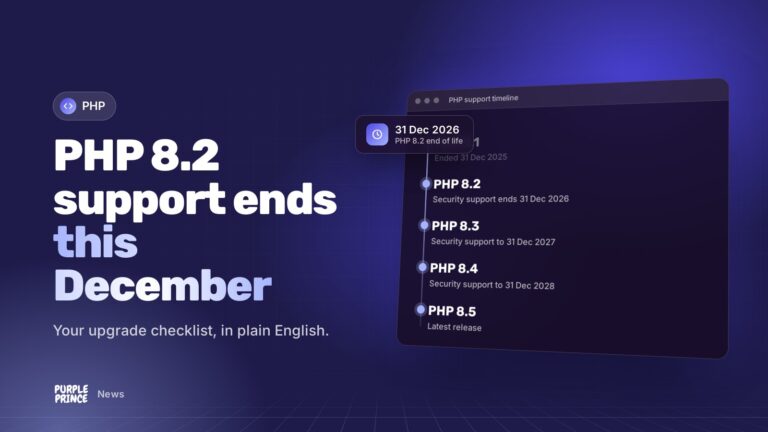
You can, and for some older sites it’s a sensible first hop. Just be aware that PHP 8.2’s own security support ends on 31 December 2026, so you’d be doing this again within a year. If your platform allows it, aim for 8.3 or newer.
How long does a PHP upgrade take?
It depends on how up to date the rest of your site is. A well-maintained WordPress site can often move in an afternoon of testing. A Magento store with lots of custom extensions, or a bespoke PHP application that hasn’t been touched in years, might need a few rounds of fixes first.
The biggest time sink is usually old plugins or custom code using features PHP has since removed. That’s exactly why testing on a copy first matters.
Who should handle the upgrade?
If you’ve got a developer or agency looking after your site, this is squarely their job. If you’re on shared hosting with no one in particular looking after things, your host may be able to change the version, but they usually won’t test your site for you.
That gap is where problems happen. Our website support covers this kind of upgrade for WordPress and PHP sites, and our Magento support team handles it for stores. If you’re curious about servers that are kept current for you, have a look at our hosting.
Not sure where you stand after PHP 8.1 end of life? Get in touch for a no-obligation chat and we’ll tell you what version you’re on and what we’d do next.