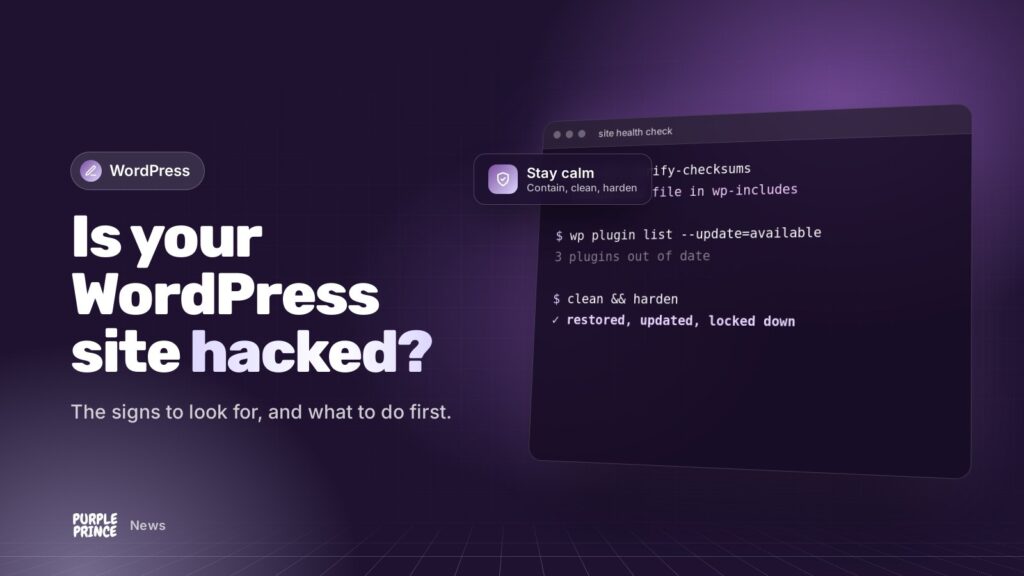
Finding out your website’s been hacked is a horrible feeling. The good news is that it’s usually fixable, and a calm, methodical response beats a frantic one every time.
In short: If your WordPress site is hacked, you’ll often see odd redirects, spam pages in Google, unknown admin users or browser warnings. Don’t start deleting things. Back it up as it is, change passwords, tell your host, then clean the site properly or restore a known-good backup and update everything.
How do I know if my WordPress site is hacked?
Spotting a WordPress site hacked by someone careful isn’t always easy. Some hacks are loud. Most are quiet, because attackers would rather use your site for as long as possible without you noticing. Here are the signs we’d look out for.
Signs your visitors might notice
- Redirects to dodgy sites, often only on mobile or only for people arriving from Google, so you might not see it yourself.
- Browser warnings like “deceptive site ahead” or “this site may harm your computer”.
- Pop-ups or adverts you never added.
- Customers telling you something looks off. Take that seriously.
Signs in Google
- Search results showing spammy page titles in other languages, or for products you don’t sell. Try searching
site:yourdomain.co.ukto see what Google has indexed. - A message in Google Search Console under Security & Manual Actions > Security issues.
- A sudden drop in traffic for no obvious reason.
Signs behind the scenes
- Admin users you don’t recognise in the WordPress Users list.
- Your host suspending the site or warning you about malware or sending spam email.
- Unfamiliar PHP files, especially inside the uploads folder, where PHP files have no business being.
- Plugins you didn’t install, or settings that have changed on their own.
- The site suddenly running very slowly or hitting resource limits.
One sign on its own doesn’t always mean a hack. A slow site might just be a slow site. Two or three together is worth acting on.
WordPress site hacked? What should I do first?
Breathe. The first hour is about containing things and keeping evidence, not about fixing. Here’s the order we’d work in.
- Don’t delete anything yet. It’s tempting to rip out the dodgy files, but you’ll lose clues about how they got in, and you might miss the backdoor they left behind.
- Take a copy of the site as it is now, files and database. Yes, the hacked version. It’s your evidence and your safety net.
- Tell your host. They may already know, they can check server logs and they can often restore an earlier backup.
- Change passwords for WordPress admins, hosting, FTP or SFTP, the database and any email accounts linked to the site. Do this from a computer you trust.
- Consider maintenance mode if the site is actively harming visitors, for example redirecting them to scams.
- If you take payments or hold personal data, think about whether customer data could be involved. In the UK you may need to report a personal data breach to the ICO, so get advice early.
The first hour of a hack is about containing it and keeping evidence. Cleaning comes after, and it’s much easier when you haven’t panicked first.
Should I restore a backup or clean the site?
Both are valid. The right choice depends on what you’ve got.
Restoring a backup
If you have a clean backup from before the hack, restoring it is often the quickest route. The catch: you need to be confident when the hack actually started. Some infections sit quietly for weeks, so “last Tuesday’s backup” may already contain them.
And restoring alone doesn’t close the hole they came through. If an outdated plugin let them in, it’ll let them in again.
Cleaning the site
A proper clean means replacing WordPress core files with fresh copies, reinstalling plugins and themes from trusted sources, hunting down backdoors (hidden scripts that let attackers back in), checking the database for injected content and removing rogue users.
It’s fiddly, detailed work. It’s also where most DIY clean-ups go wrong, because one missed backdoor means you’re hacked again next week. If you’d rather not go it alone, this is exactly what our WordPress rescue service is for.
Why does a WordPress site get hacked in the first place?
It’s rarely WordPress core itself. The usual culprits are:
- Outdated plugins and themes with known security holes.
- Nulled or pirated plugins, which often come with malware built in.
- Weak or reused passwords, especially on admin accounts.
- Abandoned plugins that no one has updated in years.
- Old PHP versions on the server that no longer get security fixes.
- Shared hosting neighbours on poorly isolated servers.
How do I stop my WordPress site being hacked again?
Nobody wants a WordPress site hacked twice. Once you’re clean, a few habits make a huge difference.
- Keep everything updated: WordPress, plugins, themes and PHP. Little and often is safer than a big catch-up once a year.
- Delete what you don’t use. Deactivated plugins can still be exploited.
- Use strong, unique passwords and two-factor authentication for every admin account.
- Give people the access they need, no more. Not everyone needs to be an Administrator.
- Keep off-site backups that go back far enough to find a clean version.
- Monitor the site so you hear about problems before your customers do.
- Choose decent hosting that keeps the server software current and isolates sites properly.
That last pair is where our hosting and website support come in: daily off-site backups kept for 30 days, 24/7 monitoring and someone keeping an eye on updates for you.
Will a hack hurt my Google rankings?
It can, especially if Google flags the site or indexes spam pages. Once the site is properly clean, you can request a review through the Security issues report in Search Console. Google warns that asking for a review before it’s actually fixed can slow things down, so make sure you’re done first.
If you think your WordPress site is hacked right now, get in touch and we’ll talk you through the next steps calmly.